Customer Portal Development: A Practical Brief Before You Build

Customer Portal Development: A Practical Brief Before You Build
A customer portal can give clients one place to request work, check progress and exchange information. Before choosing features, define the problem it should solve. A portal that duplicates email without a clear owner can add another inbox instead of improving the process.
This guide helps a business owner prepare a brief for customer portal development. Use it to discuss scope with your team and a development partner. It is a planning checklist, not a promise about delivery time, savings or a particular platform.
Start with one customer journey
Choose a task that matters to customers and staff. For example, you might want a customer to submit a service request, provide the required information and see the next agreed step. Treat this as an illustrative workflow, not a claim about a completed client project.
Write down how that task works today. Who receives the request? Which information is usually missing? Where does someone check its status? What happens if the responsible person is away? Keep the first version focused on a journey you can describe clearly.
A useful brief names the starting event, the steps, the responsible people and the end state. “Improve communication” is a goal; “a customer submits a request and the assigned staff member confirms the next step” is a workflow you can design and test.
Define roles before drawing screens

AI-generated illustration: define access for each user role before designing screens.
List the people who need access and the information each person should see. A customer, a staff member and an administrator may need different actions. Do not assume that everyone inside an organisation should see every customer record.
For each proposed screen, ask:
- Who can view this information?
- Who can add or change it?
- Who can approve a change or close a request?
- How is access removed when a person leaves?
- Which actions need a record for later review?
Also describe the inconvenient cases: an invitation sent to the wrong address, a customer with several contacts, or a staff member assigned to the wrong request. These cases belong in the brief because they influence access controls and support procedures.
Decide what belongs in the first release
Separate the essential journey from optional improvements. Request submission, a status view and a clear staff response process may be enough to test the idea. Advanced reporting, additional integrations and extra channels can be assessed separately.
Write one sentence explaining why each feature is needed. If you cannot connect a feature to a user task or operating requirement, investigate it before adding it to the initial scope. This helps both sides discuss trade-offs without treating every idea as a launch requirement.
Global Digital Prime’s custom software development service covers scoping web applications, customer and staff portals, dashboards and connected systems. The proposal should establish what is included and who owns the responsibilities around it.
Map information and integration boundaries
List the information the portal receives, where it comes from and where it must go. Identify whether another system remains the authoritative record. If staff update two systems manually, document that work instead of assuming an integration removes it automatically.
For each proposed connection, identify the account owner, access requirements, provider facilities and failure process. Ask what staff should see when another service is unavailable or a transfer cannot be completed. Technical capability alone does not confirm that a provider account has the required permissions or approval.
Keep sensitive information out of an early demonstration unless there is a defined need and an appropriate handling process. Agree what a demonstration proves and which production requirements still need validation.
Make acceptance checks concrete
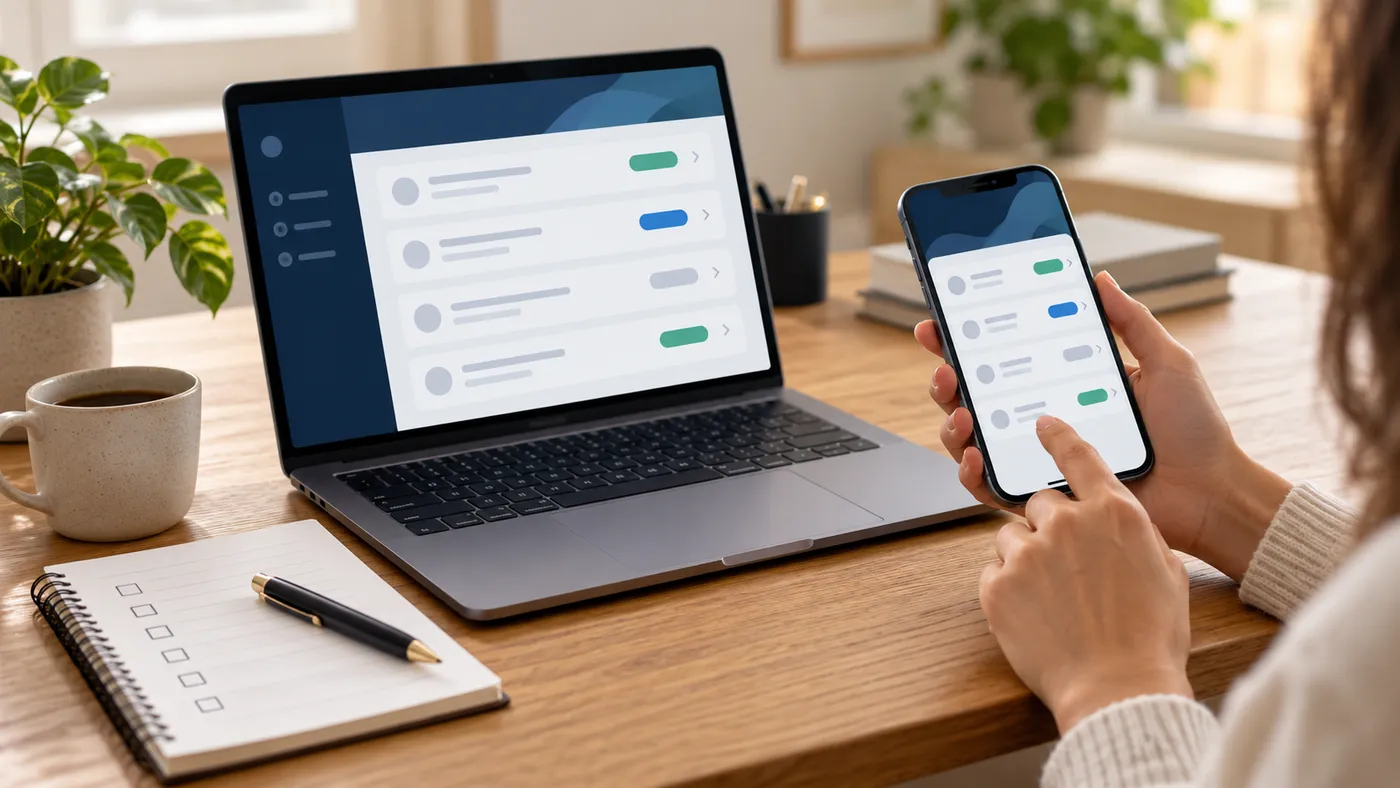
AI-generated illustration: test the same customer journey on desktop and mobile.
Describe the tasks people must be able to complete before launch. A checklist is easier to assess than an instruction to make the portal “work well”. Include normal use and the mistakes or failures that your support team will encounter.
Examples of acceptance questions include whether a customer can submit a complete request, whether the assigned staff member can find it, and whether another customer is prevented from opening it. Check the experience on the devices your users actually use and with representative content.
Agree who performs these checks, who signs off the findings and how unresolved issues affect launch. Record which observations are demonstrations, which were verified in the intended environment and which remain assumptions.
Assign ownership after launch
A portal needs an operating plan as well as a build plan. Identify who manages users, updates instructions, handles customer questions and reports faults. Discuss maintenance, access reviews, data retention, backups and recovery responsibilities with the development team.
Ask what happens when the original administrator is unavailable. Your organisation should know how to obtain its agreed access, documentation and support information. A handover should leave your team with an understandable process for routine operation and escalation.
Bring a short brief to the first conversation
Prepare a description of the customer journey, the roles involved, your current tools and the decisions that remain open. Include examples of the information people work with, using suitable demonstration data rather than unnecessary personal records.
You do not need a complete technical specification to start a useful conversation. You do need a shared problem, a realistic first scope and a way to judge whether the proposed solution helps the people doing the work.
Contact Global Digital Prime to discuss the workflow, ownership and next steps before committing to a build.
Explore the services behind your project
Ready to Transform Your Business?
Talk to our team about custom software, AI, and cloud solutions engineered for your goals.
Get Started